
Download and sign in
Get Dragon Players.
On iPhone, Android or in your browser. It’s the same family account everywhere.

The phone app
For iPhone and Android. Use it for notifications from the academy and to buy Premium.
The new Dragon Players is on its way to the App Store and Google Play. Update the app when it arrives.
- Notifications on your phone, such as new medals and messages
- Premium, bought by a parent in the app
- The 3D cave and games, on the phone in your pocket
The browser app
Nothing to install. Sign in at dragonplayers.co.uk/app on a laptop, tablet or phone.
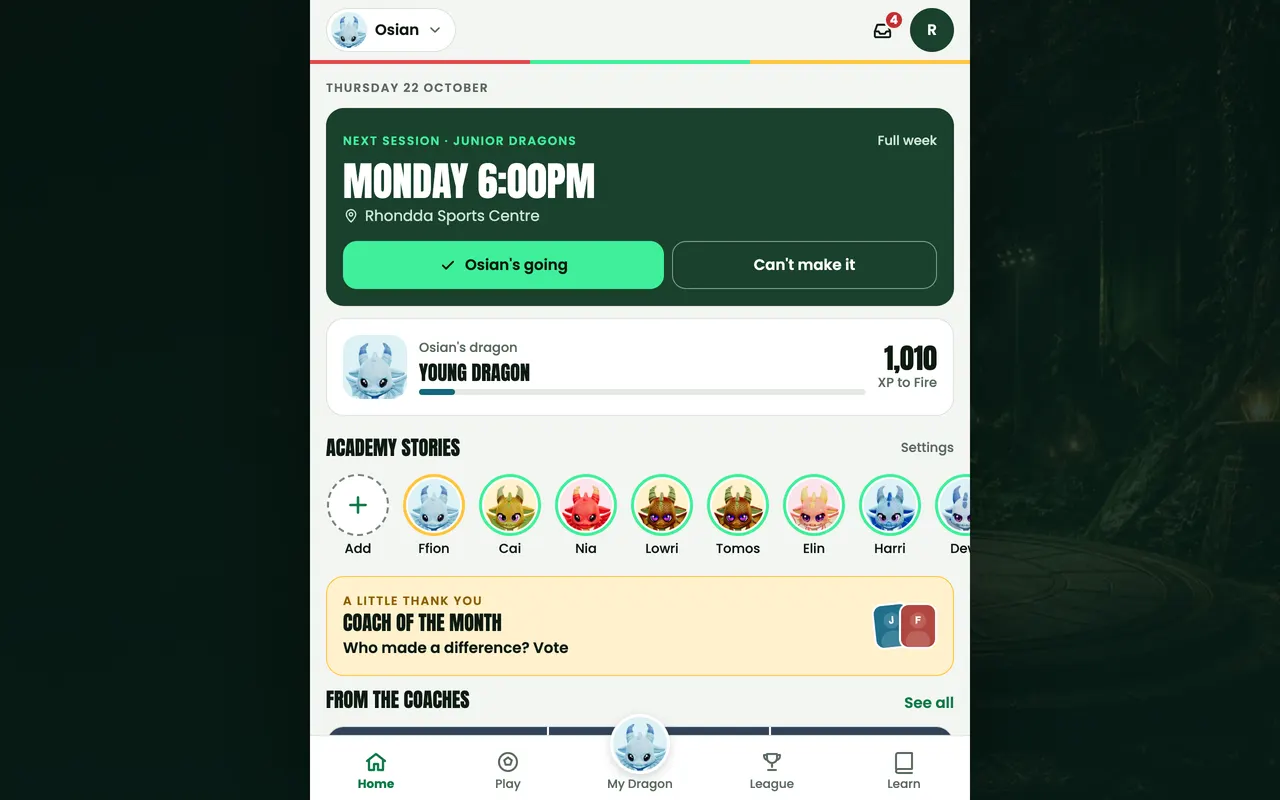
No notifications or purchases in the browser. The 3D parts need WebGL 2.
New to Dragon Players?
Create a parent account
Use your email and a new password. Your Dragon Academy website password isn’t a Dragon Players password.
Link your child
Follow the guided steps with their name, area and Dragons group. The academy checks a new link before academy features open.
Take the tour
Getting started is a free course in six short stages, and finishing it adds 150 XP to their dragon, once.
Not a Dragon Academy member yet?
Dragon Players goes with weekly football at Dragon Academy, for ages 2 to 13. Every new player starts with a free trial.
Join Dragon AcademyStuck on signing in or linking your child? Help and FAQ has the answers.