
The app
Everything in Dragon Players.
Home for the week. My Dragon for the fun. The League, Learn and the Inbox in between.
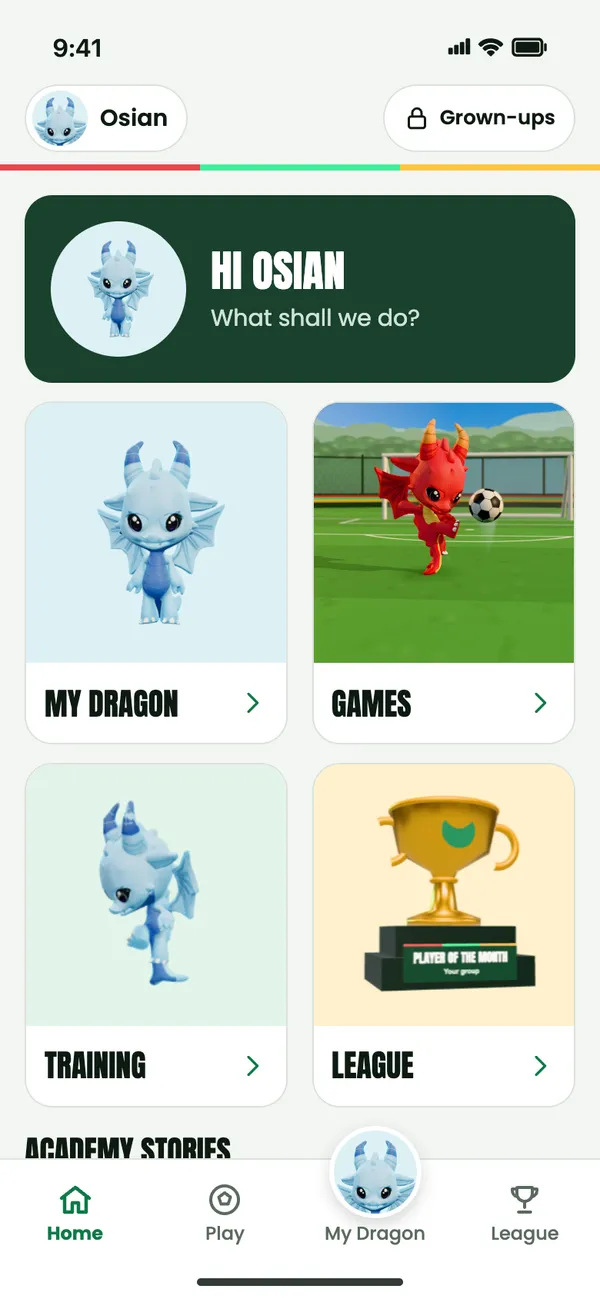
Home
The week starts on Home.
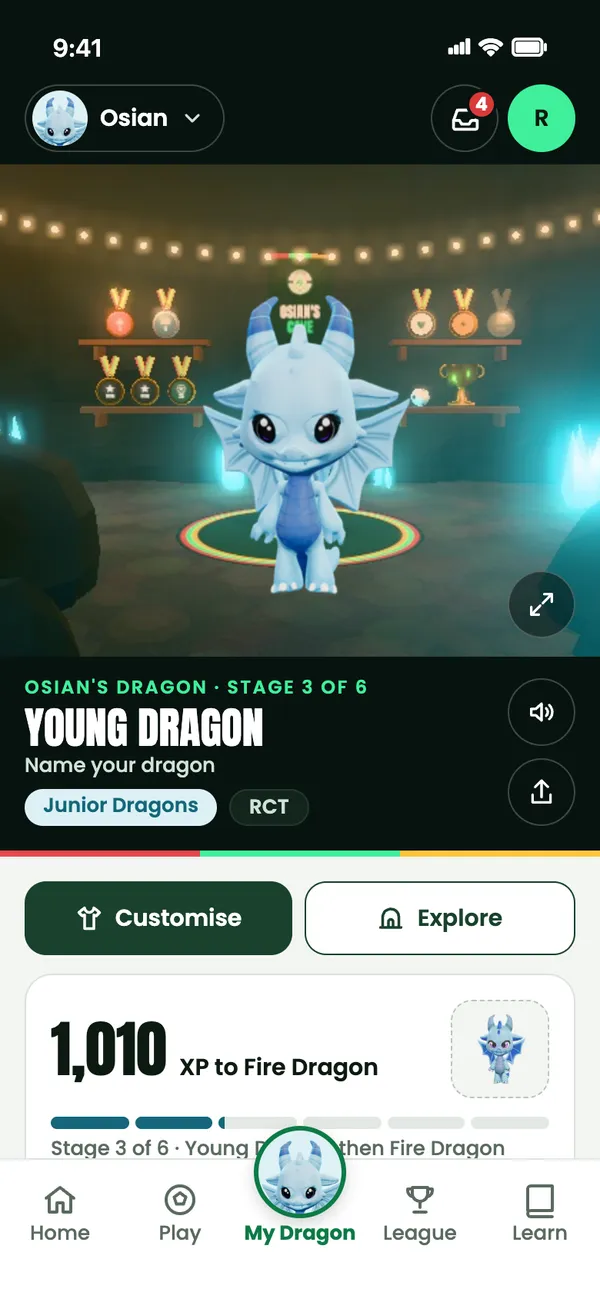
Home is built around the session: what’s next for your child’s group, and what happened at the last one.
- Before
- The next session The day, time and venue, with one tap for Going or Can’t make it.
- After
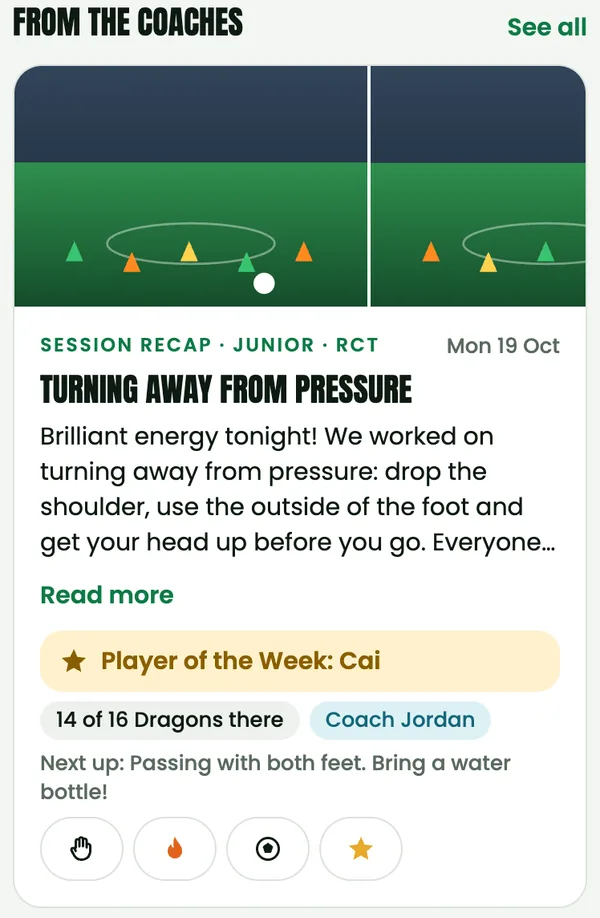
- The coach’s recap The focus, standout moments, Player of the Week and photos, where families have given photo consent.
- All week
- Academy news and Stories Announcements from Dragon Academy and the latest Stories from academy families, right on Home.
My Dragon
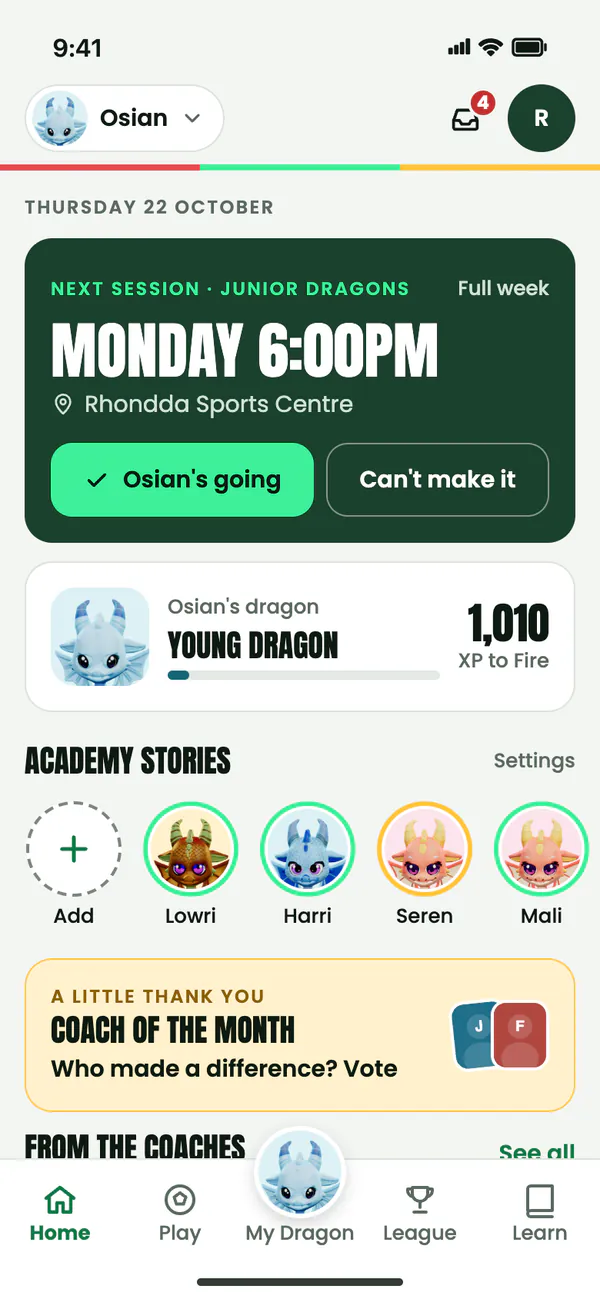
Their own dragon. Their own cave.
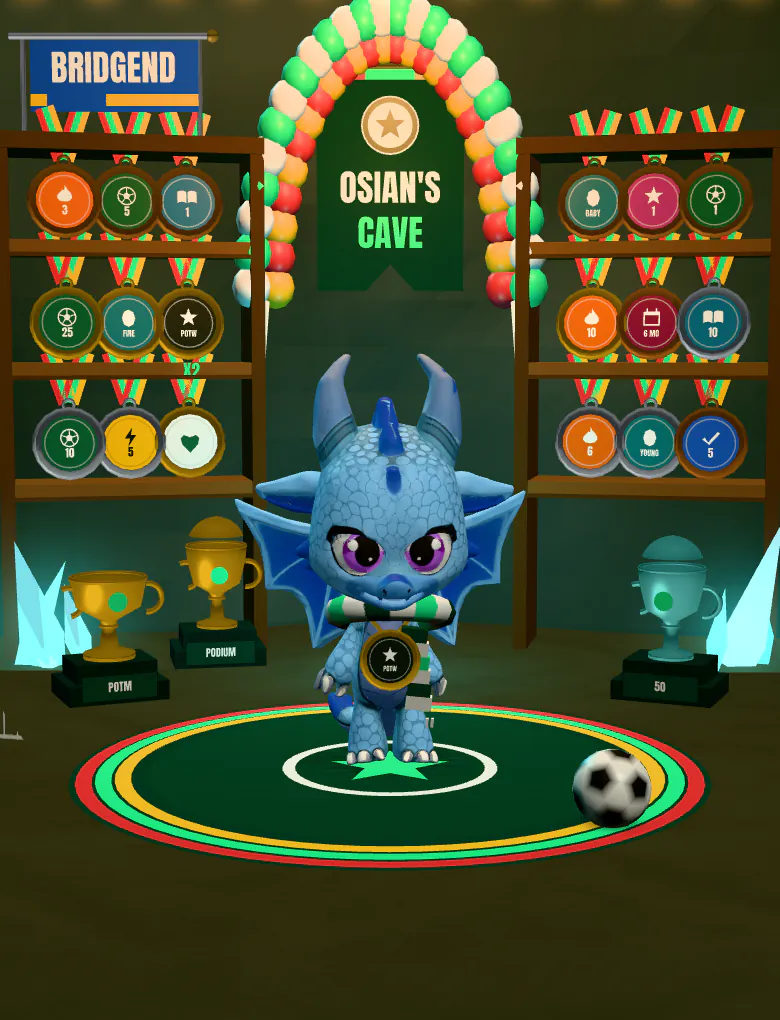
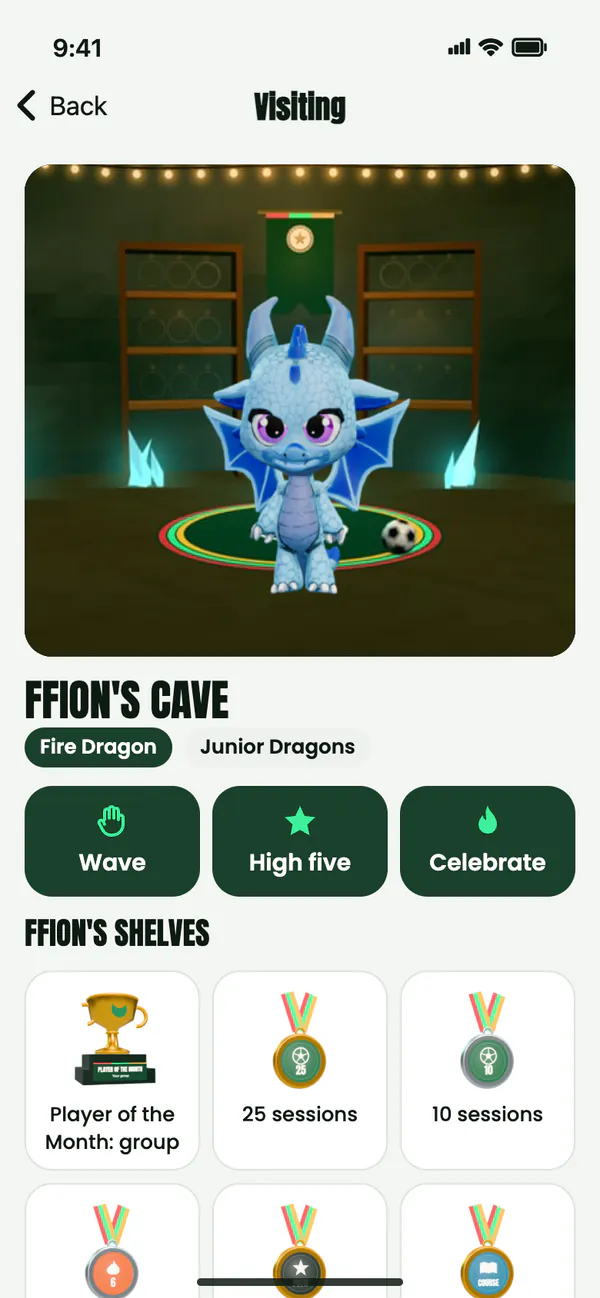
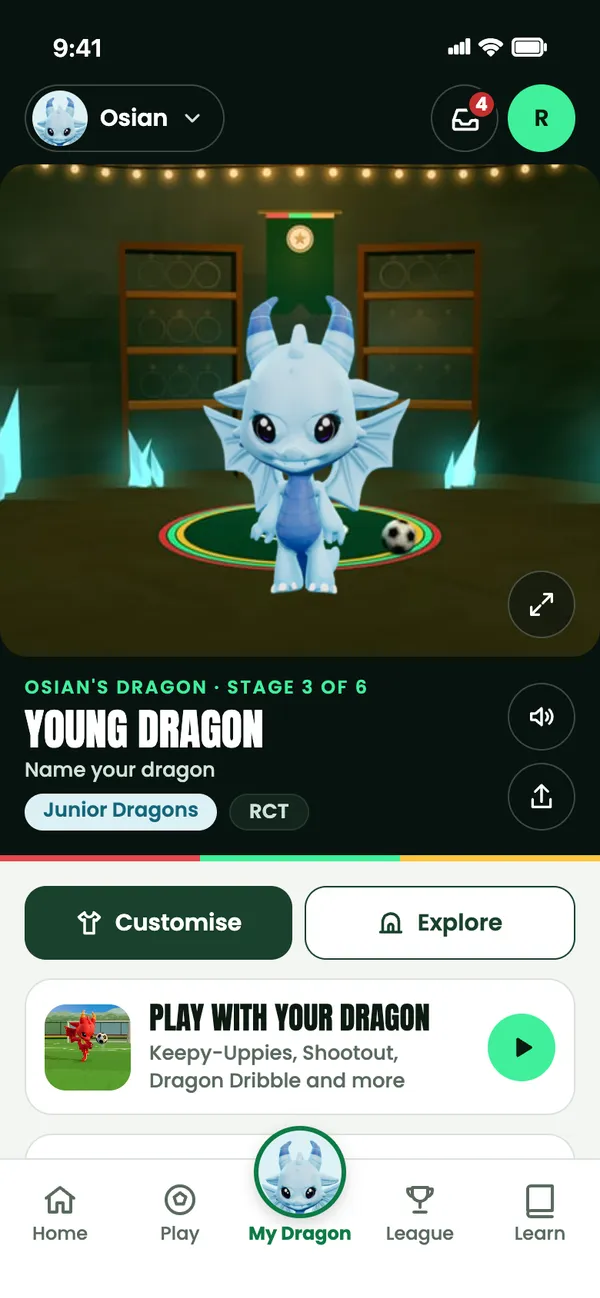
Every player gets a 3D dragon that lives in a cave of its own. It grows mostly by turning up to sessions, and the shelves fill with every medal they win.
The stage card shows how much XP is left to the next stage. Game scores never give XP, and nothing can be bought to grow the dragon.
Six stages, Egg to Legend
 1 Egg
1 Egg 2 Baby
 3 Young
 4 Fire
 5 Elite
 6 Legend
Showing Junior Dragons, ages 5 to 7. Mini and Advanced Dragons have their own colours.
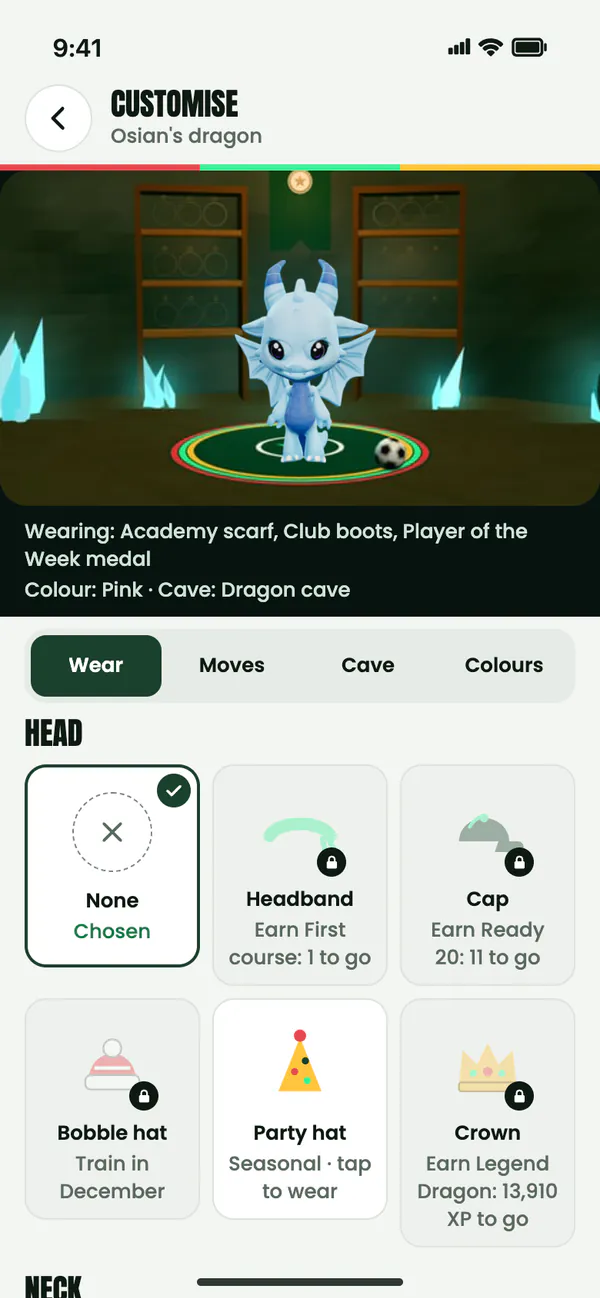
Make it theirs
Most wear, moves, cave pieces and colours unlock as medals are earned, and each locked item says exactly how to get it. They choose what their dragon shows off.
Classic and Pink are free from day one. They can switch between them any time.
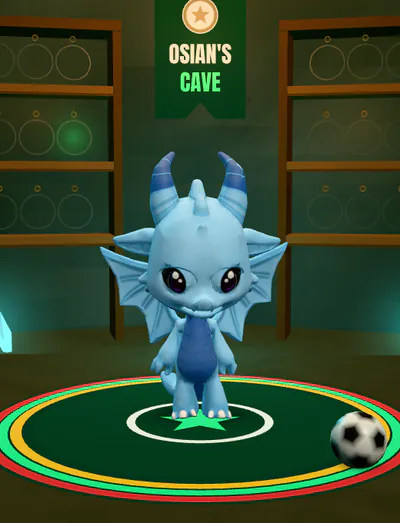
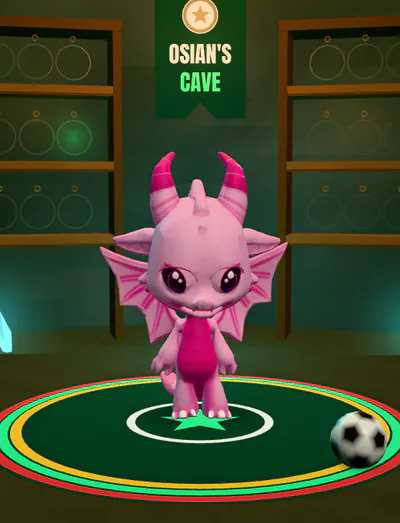
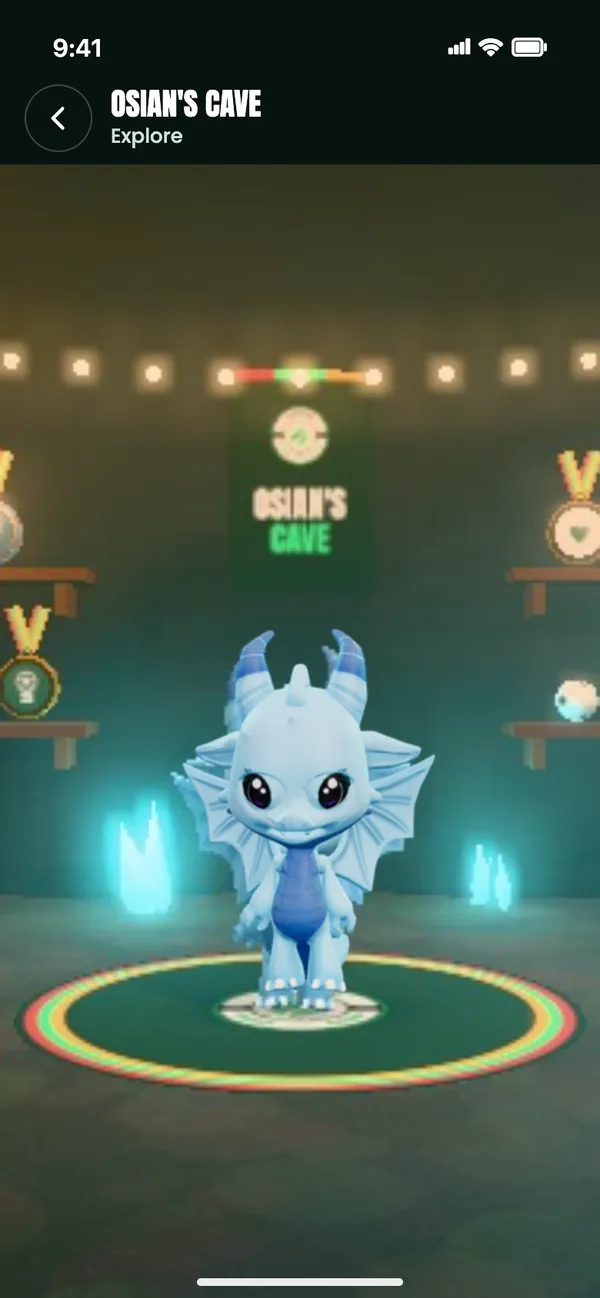
Explore and cave friends
In Explore they walk their dragon round its cave with a thumb stick and play their moves on the buttons. From 8pm it’s bedtime: the cave gets dark and the dragon dozes off.
Cave friends can look round each other’s caves and send a wave, a high five or a celebration. There’s no chat, and parents approve every cave friend.
Play with your dragon
The Stadium games are right there on My Dragon. Play with your dragon opens a quick picker, with the games they play most at the top.
When they come back with a new best, their dragon celebrates it, once.
See the eight gamesThe session-night walkout
Session night is matchday.
After the coaches record a session, a sealed matchday pack is waiting in the app. They tap it open, their own dragon walks out of the players’ tunnel, the medal card flips, and the session’s XP flies into the dragon.
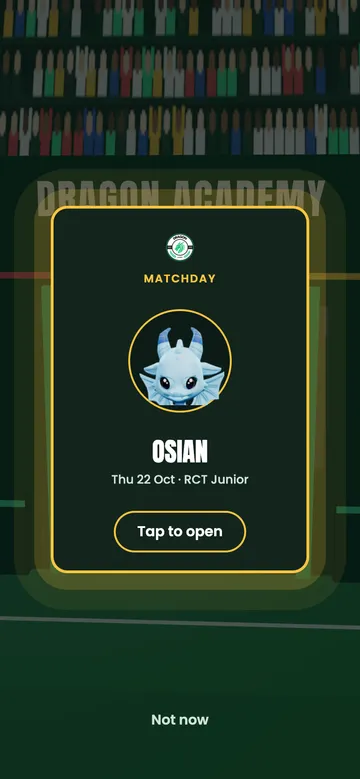
The sealed pack 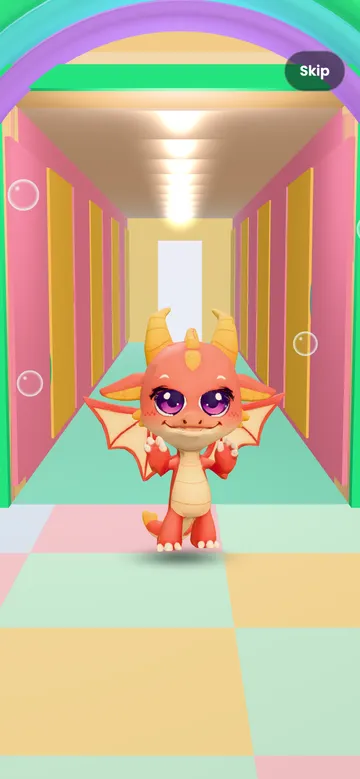
Minis: the rainbow arch 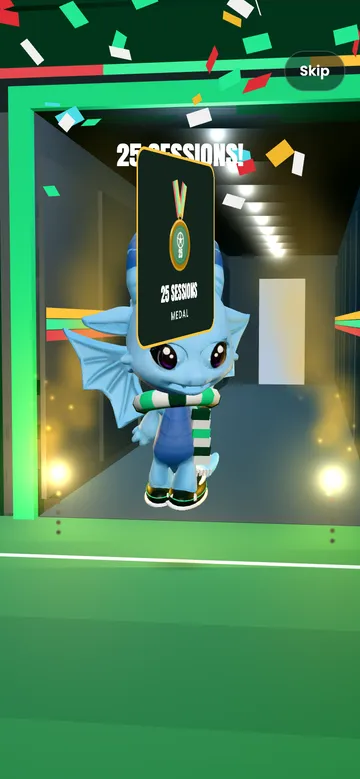
The medal card flips 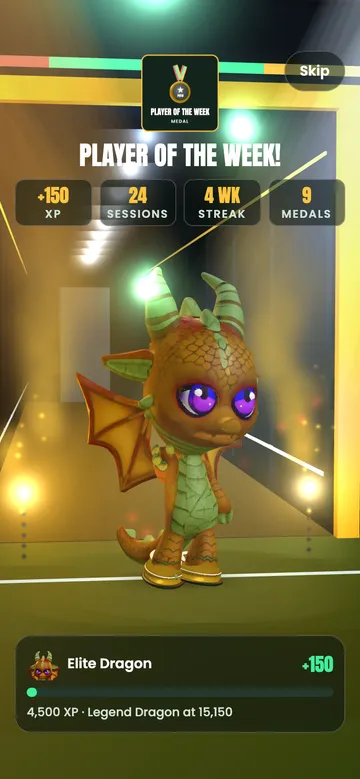
Advanced: the big moment 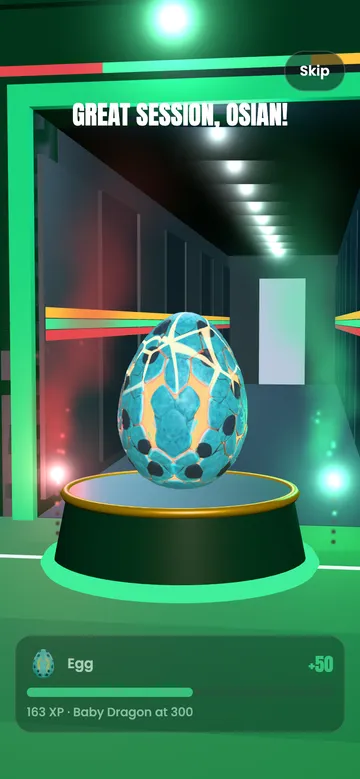
An egg on its float 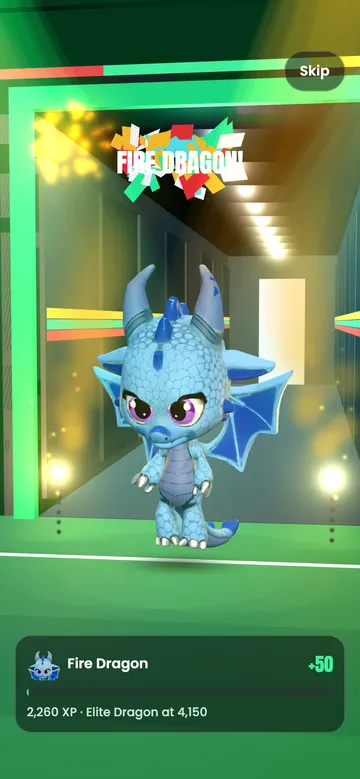
A new stage steps out
- Only what was earned
- The pack holds what that session really earned: its XP, a new medal, a trophy or Player of the Week. Nothing is random and nothing is for sale.
- Bigger moments, bigger walkouts
- A new medal lights the tunnel in its own colour. Player of the Week, a trophy or a new stage gets the big walkout, with a light show.
- A tunnel for every age
- Minis walk out of a bright soft-play arch with a rainbow and balloons. Juniors come out of a floodlit matchday tunnel, and Advanced Dragons out of a dark tunnel with spotlights.
- Eggs, hatching and new stages
- An egg rides out on a little float. Hatching and evolving get a moment of their own, and the new stage steps out of the light.
A tap skips to the summary, where they can post it as a Story. With Reduce Motion on, the walkout fades between still moments instead.
42 medals. 8 trophies.
Medals cover the journey and the everyday wins: turning up, streaks, coach awards, Learn and skills. They hang on the cave shelves, and any earned medal can be worn.
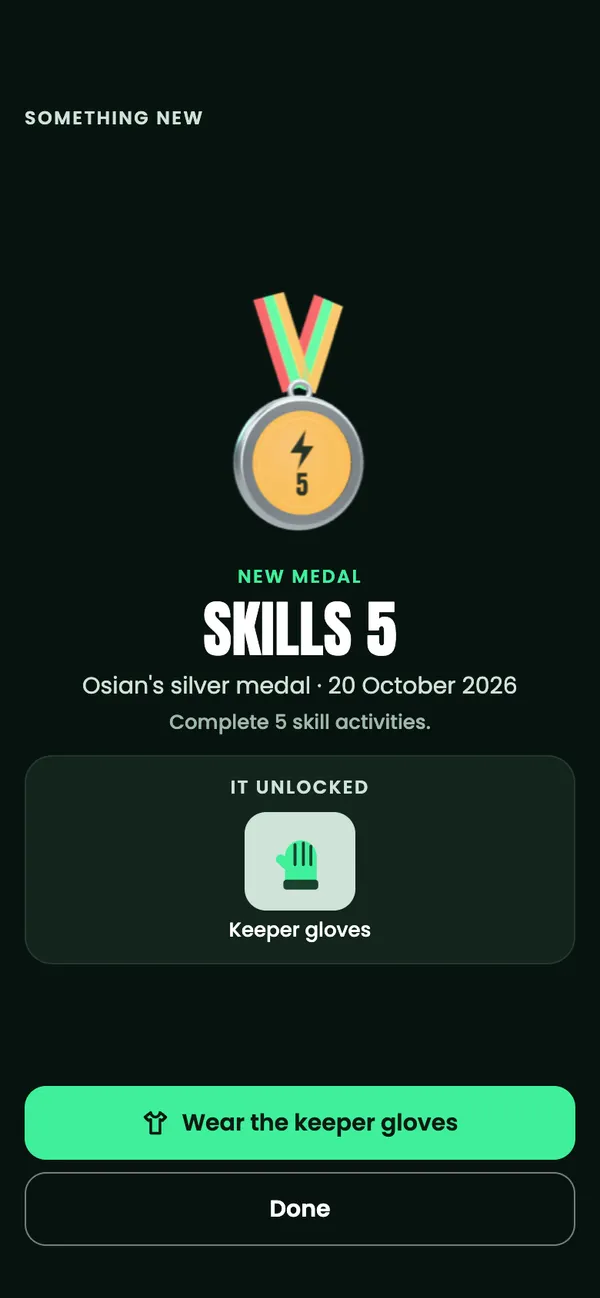
Trophies are for the rare, big wins, like Player of the Month and 100 sessions. They stand on plinths around their dragon. When something new is earned, the app shows it and anything it unlocked.
Every one is earned. None can be bought.
 Kick-off
 10 sessions
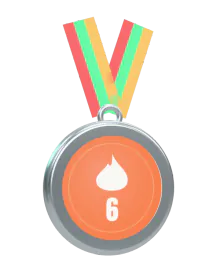 6-week streak
 Player of the Week
 Excellent effort
 1 year at Dragon
 First lesson
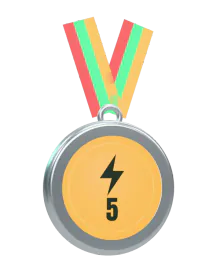 Skills 5
 Young Dragon
 First course
 First story
 Festive
 Player of the Month
 100 sessions
 Trophy Series winner
 Legend Dragon
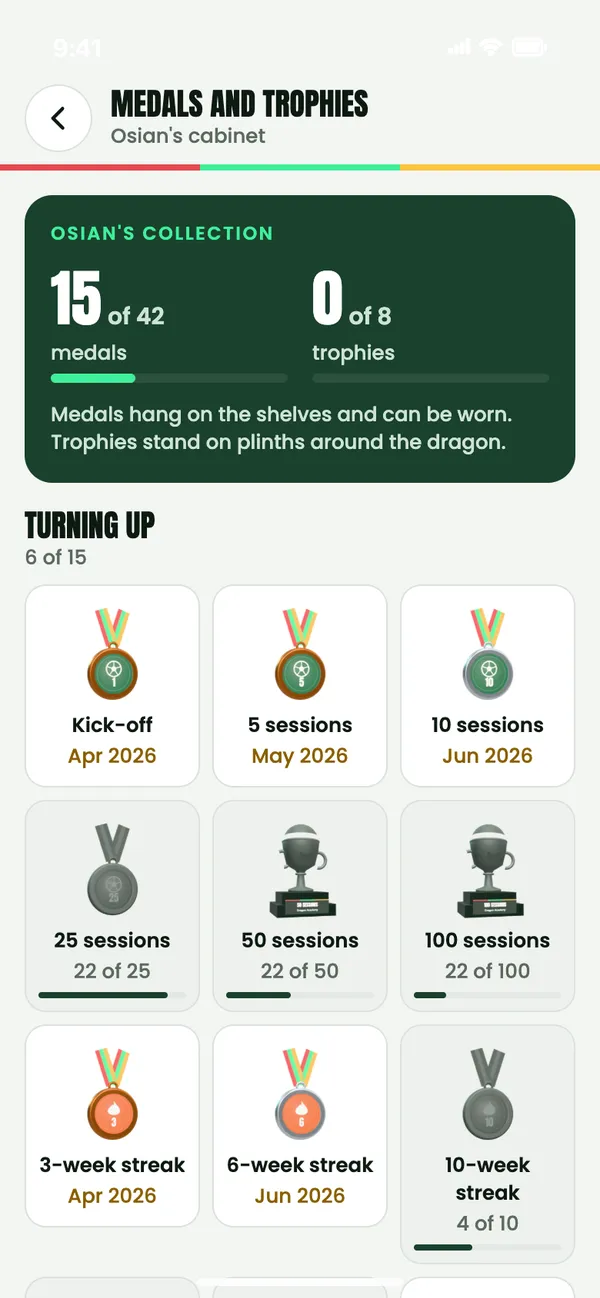
The cabinet shows what’s earned, what’s next and how far there is to go.
Stories
Stories, made in the app.
Turn a real moment into a Story card: a new medal, a game record or their dragon. Pick a backdrop, add stickers from what they’ve earned and choose a caption from the list.
Stories never use photos or the camera, and there’s no typing. They’re shared with other academy families for three days, who can react with a high five, fire, goal or star.
Share cards turn the same moment into a picture for outside the app.
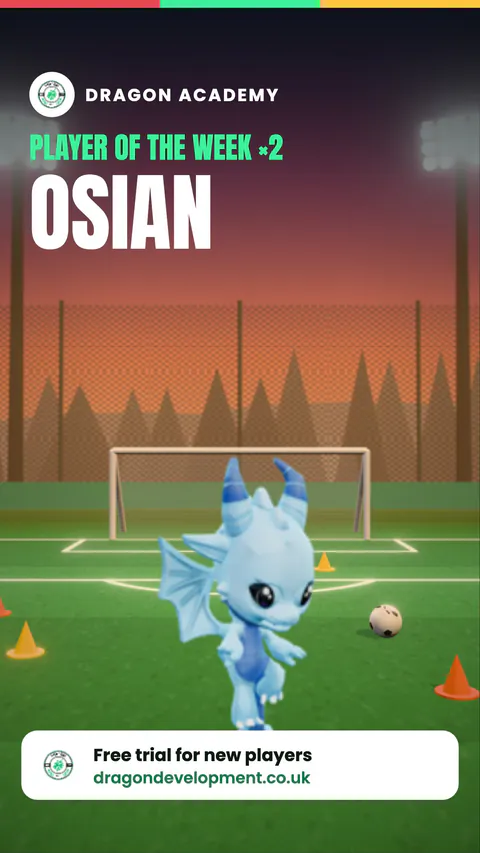
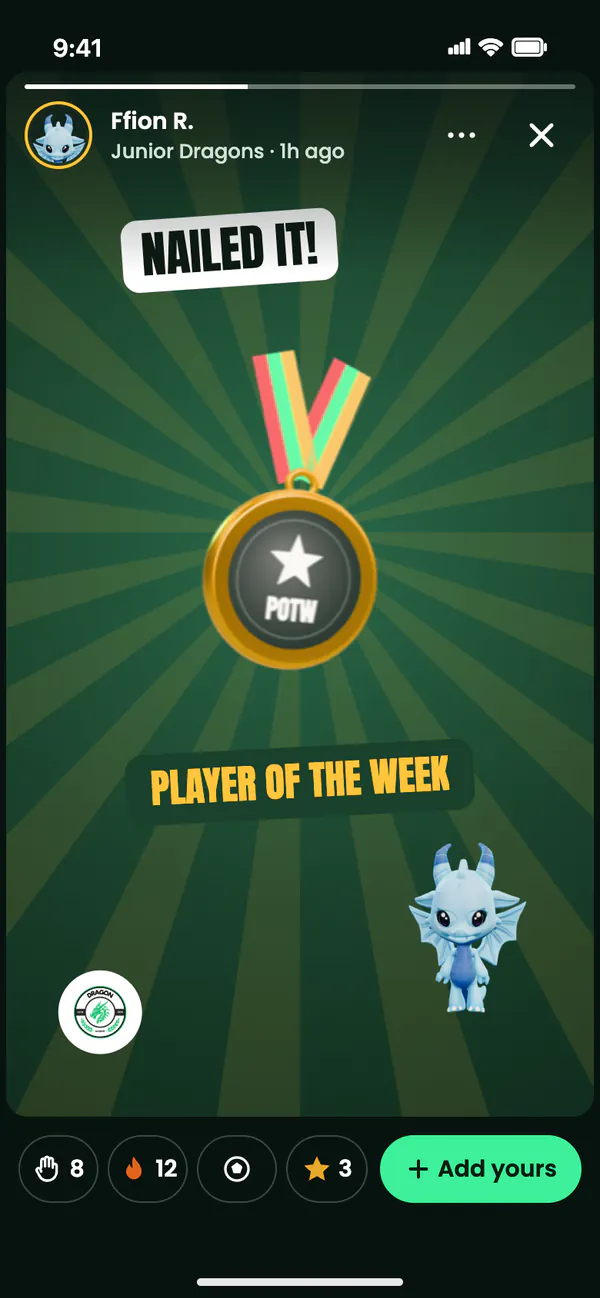
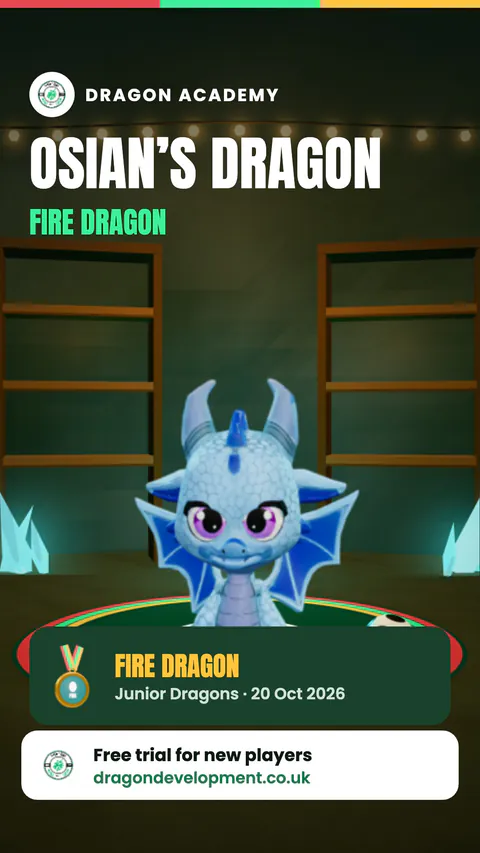
League
The League
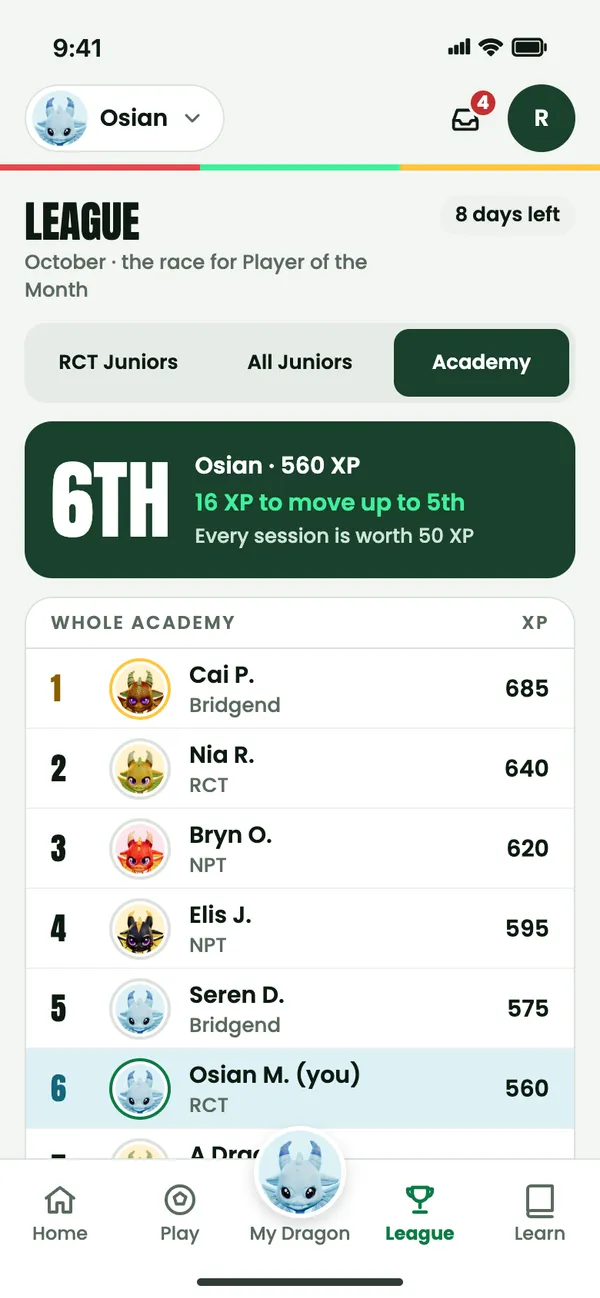
This month’s XP table, and the race for Player of the Month. Every age group is in the League, Mini Dragons included.
- GroupTheir own training group.
- Age groupEvery Dragon in the same age group.
- AcademyAcross Dragon Academy.
- AreaRCT, Bridgend and NPT. Every session anyone attends counts for their area.
Every row shows that player’s own dragon face. XP comes from football: sessions, coach awards and Learn. App use never earns League XP, so the League can’t be won by screen time. Parents choose whether their child’s name shows on leaderboards.
Learn
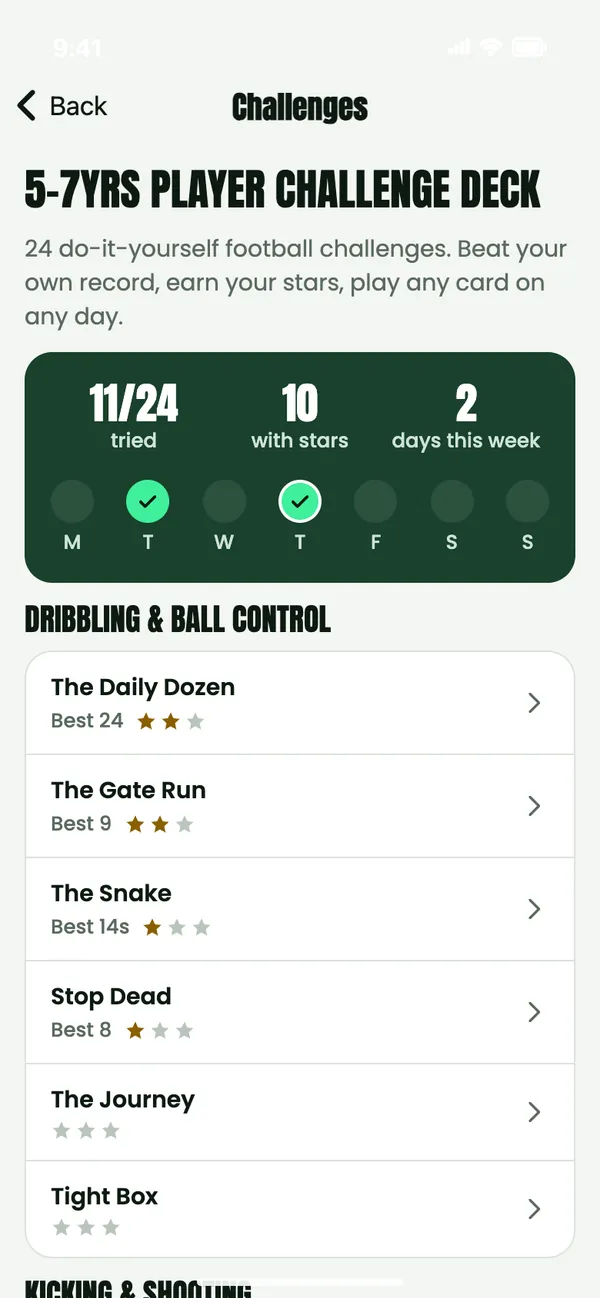
Courses with short lessons, quick reads, session plans and challenge decks with games to play at home, picked for your child’s age group. Progress saves as they go.
Inbox
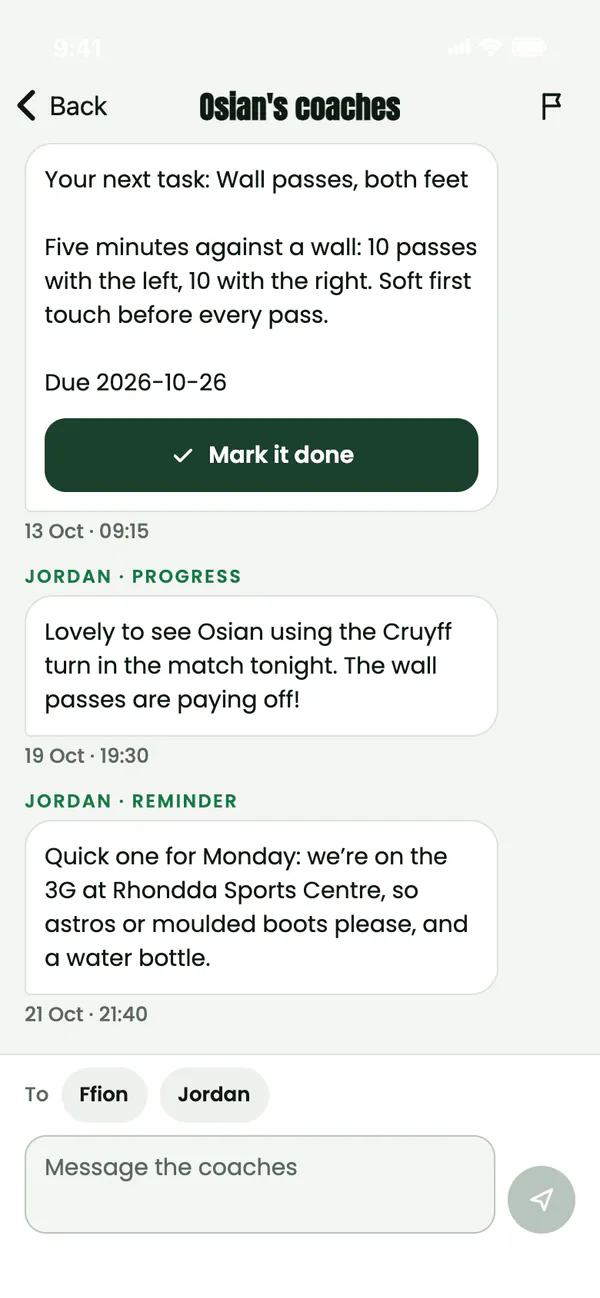
Messages with your child’s coaches, and updates: new medals and stages, session recaps and academy news. The Inbox is for the parent account only.
Home training
Drills, shown by a dragon.
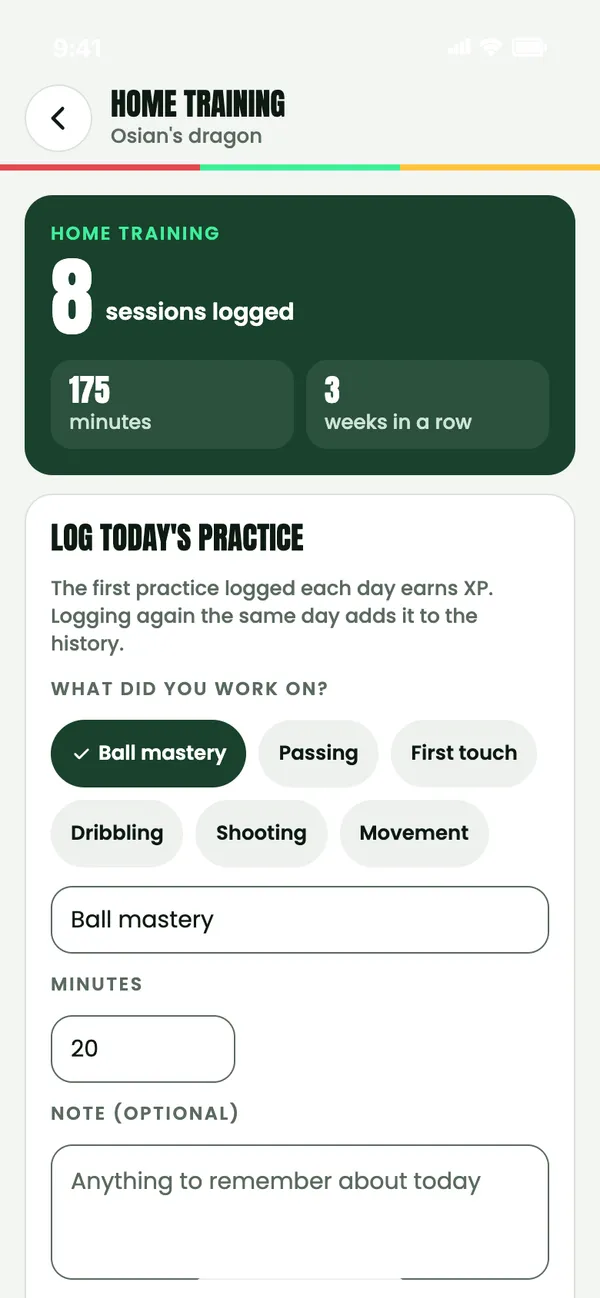
Home training on My Dragon is where you log practice at home and complete the coaches’ training activities.
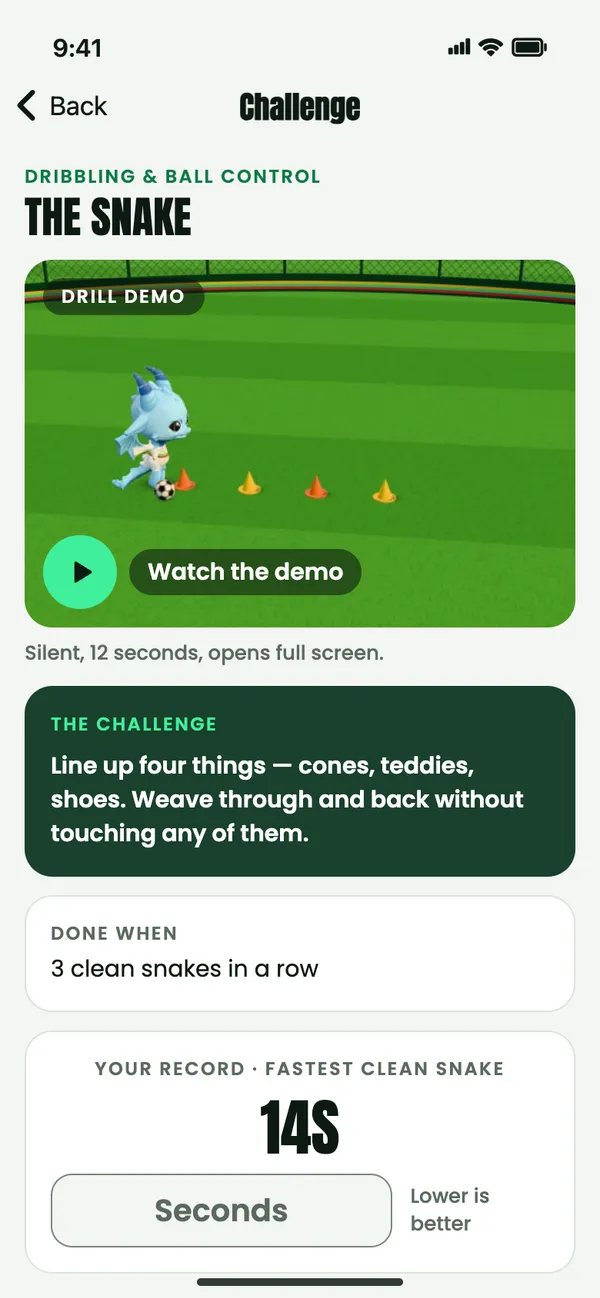
Many drills in home training, Learn lessons and the challenge decks come with a 3D demo: a dragon in the academy kit plays the drill on a training pitch. Tap Watch the demo and a short, silent loop opens full screen.
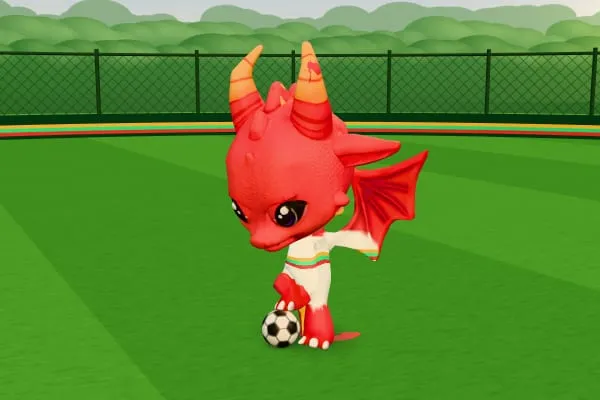
Dragon toe taps Mini 
Wall passes Junior 
The step-over Advanced
Month in review
Their month, in review.
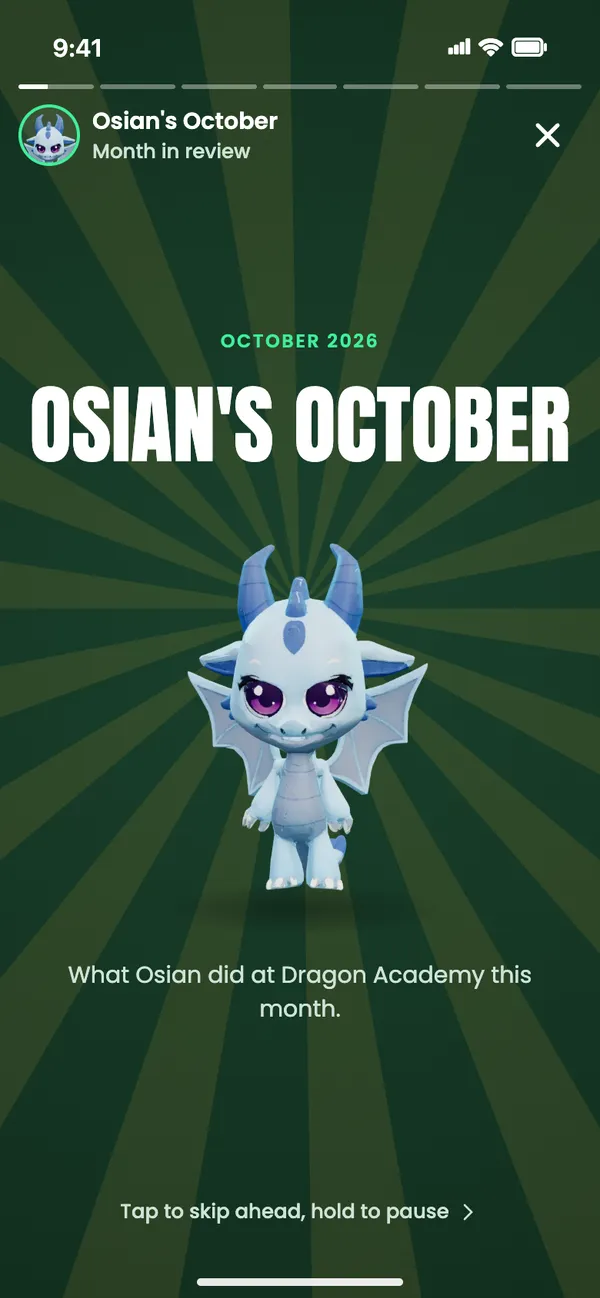
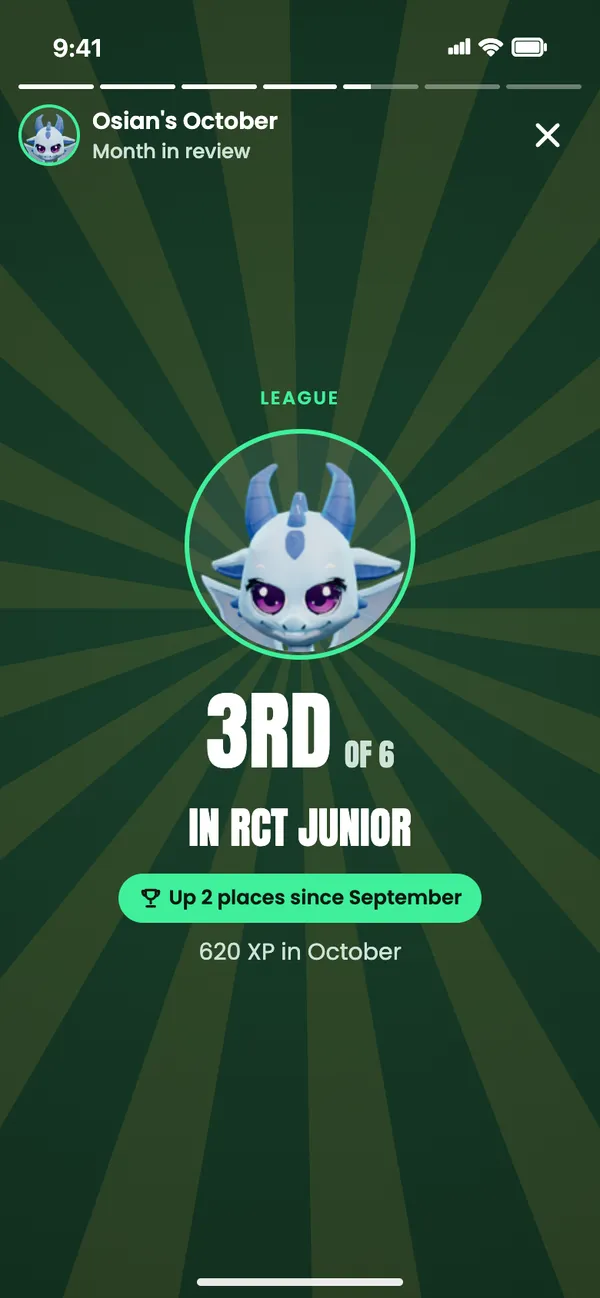
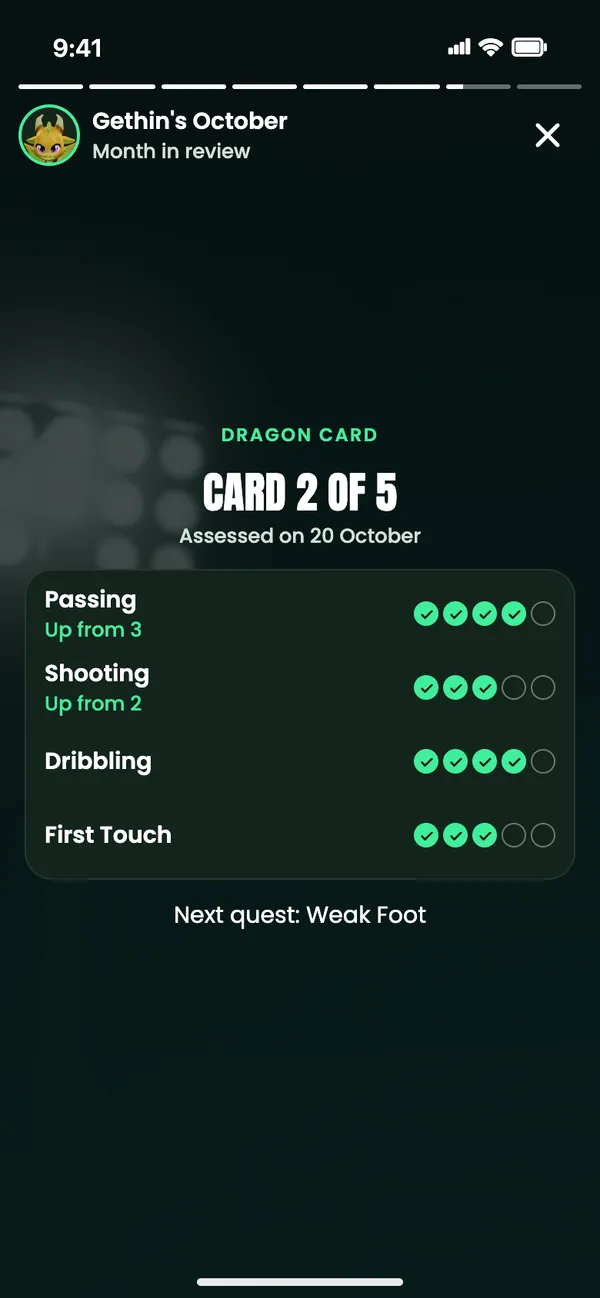
At the start of each month, “Osian’s October is ready” appears on Home for a week. Tap through it like a Story: sessions and streak, XP and stage, new medals, Player of the Week, their League place, Dragon card scores, their best game and what’s next.
Every number is real, and a page with nothing to show is left out. My Dragon also shows the month so far.
- The opener
- The League
- Dragon card scores
- The share card
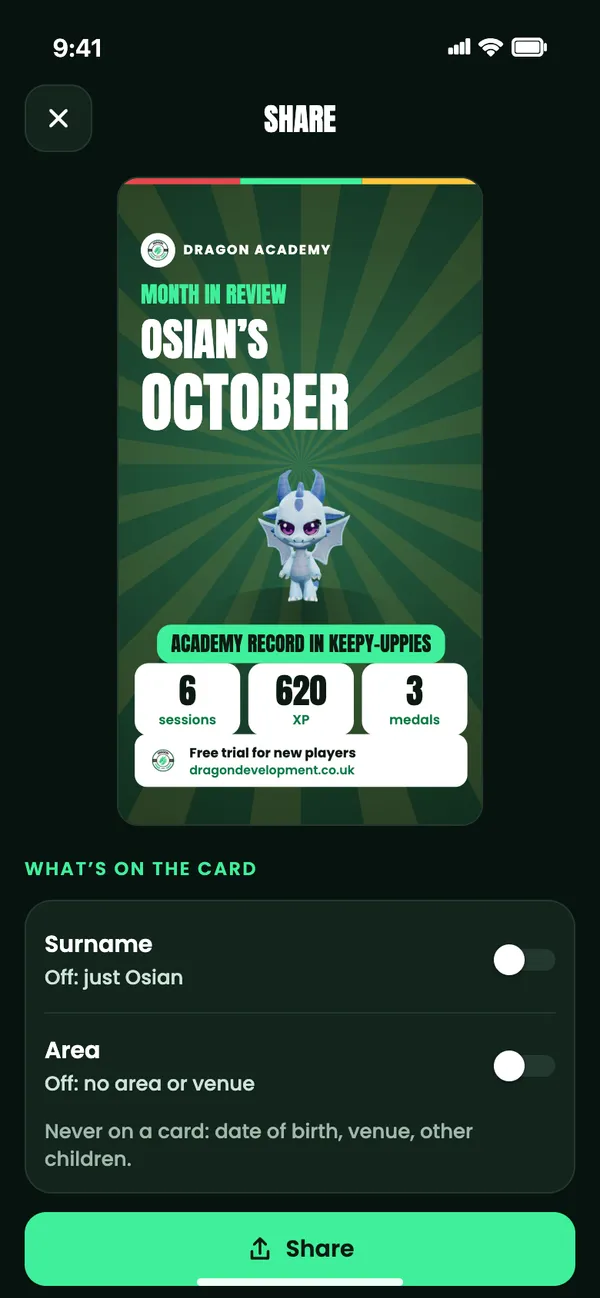
The share card leaves out the surname and area unless you switch them on. Date of birth, venue and other children are never on a card.
When the app opens
Lights up on Dragon Stadium.
The phone app opens with a short clip: the stadium under floodlights at dusk, where the dragons attack, score and celebrate before Dragon Players lands with the crest.
After signing in, their own dragon runs out of the tunnel. A tap skips either one, and with Reduce Motion on there’s a still title instead. The browser app opens straight onto the app.